

Your AI company. Under your direction.
AI agents work your tickets. You approve what ships.
ORGrove runs a team of AI agents (product manager, developer, QA, security and DevOps) through a controlled delivery pipeline on GitHub. You approve the merge and the release, and you see who is working, on what, and what it costs.
Why it matters
The risks we address
As AI produces more software, organisations need clear controls over scope, review, cost and operational outcomes.
- Unplanned change
- A fix that breaks something next to it; work redone several times.
- Unreviewed code
- Security holes, leaked secrets, weak tenant isolation.
- Silent failure
- A scheduled job stops and nobody notices for weeks.
- Runaway cost
- AI and cloud bills with no owner and no cap.
- No audit trail
- Nobody can say who decided what, and why.
- Lock-in
- A process tied to one vendor's tools.
ORGrove addresses these risks through planning, separate reviews, deterministic checks, live monitoring, agent budget gates and an evidence trail on each ticket.
How it works
Eight delivery stages, with people at the gates
ORGrove assigns defined roles to agents and moves each ticket through a controlled delivery pipeline.
Amber marks a human gate: a person decides before the work moves on.
- 1
Ticket
A request is recorded in the tracker with an accountable owner.
- 2
Plan
The product manager writes scope, acceptance criteria and the definition of done on the ticket, and asks the owner when a decision is theirs.
- 3
Build
A developer works on an isolated branch and adds tests.
- 4
QA and Security
Separate read-only reviewers evaluate the same commit; findings return to development.
- 5
CI gates
Tests, lint and scans must pass against the current main branch.
- 6Human gate
Human merge
A person assesses the evidence and merges the reviewed change.
- 7Human gate
Authorised deployment
The release follows the owner's production authority.
- 8
Sanity check
A read-only sanity check verifies the live result.
The Office
See your AI organisation at work
Walk through your AI organisation the way you would walk through a real office: who is working, on what, and what each agent is waiting for.
When the team is between tasks, the CTO cabin shows why, from the dispatcher's own decision: a budget cap, a question for you, a work-in-progress limit, a break, or nothing planned.
Call a meeting and tag who should answer. Each tagged lead replies as a separate AI call, and the meeting ends with minutes, decisions and draft tickets that wait for your approval.
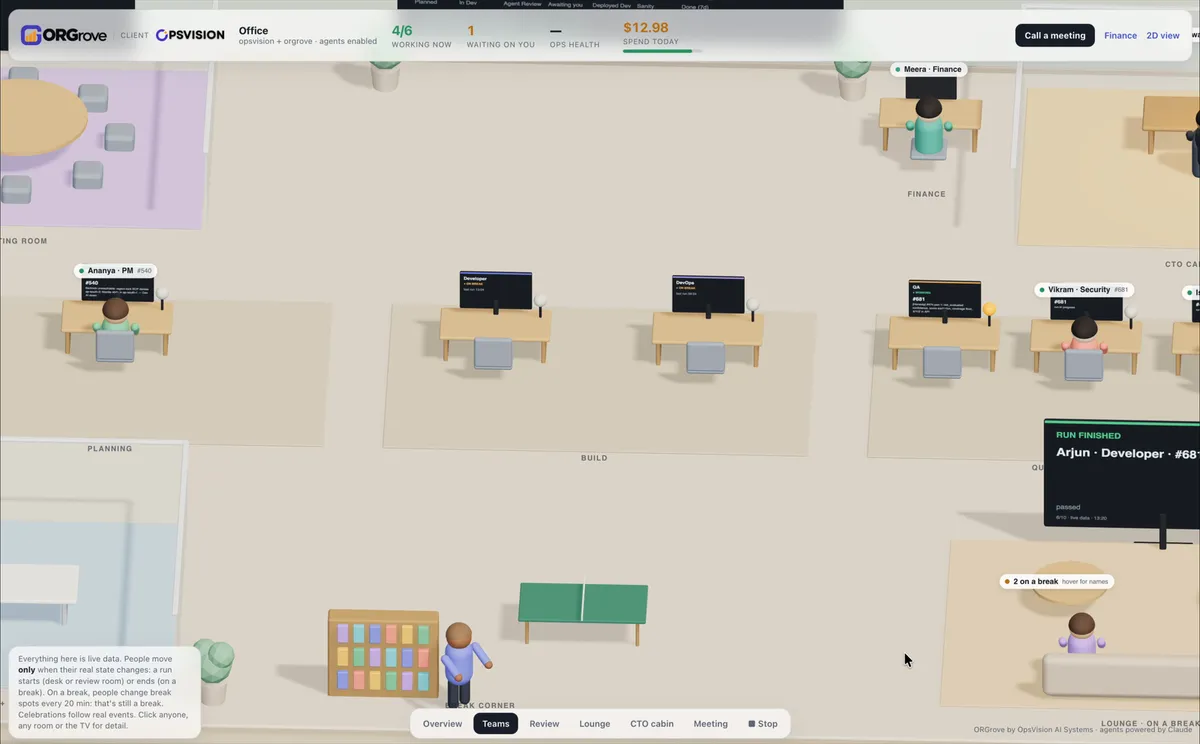
Agents at their team desks. The news TV posts each run as it finishes.Real capture of the ORGrove 3D Office 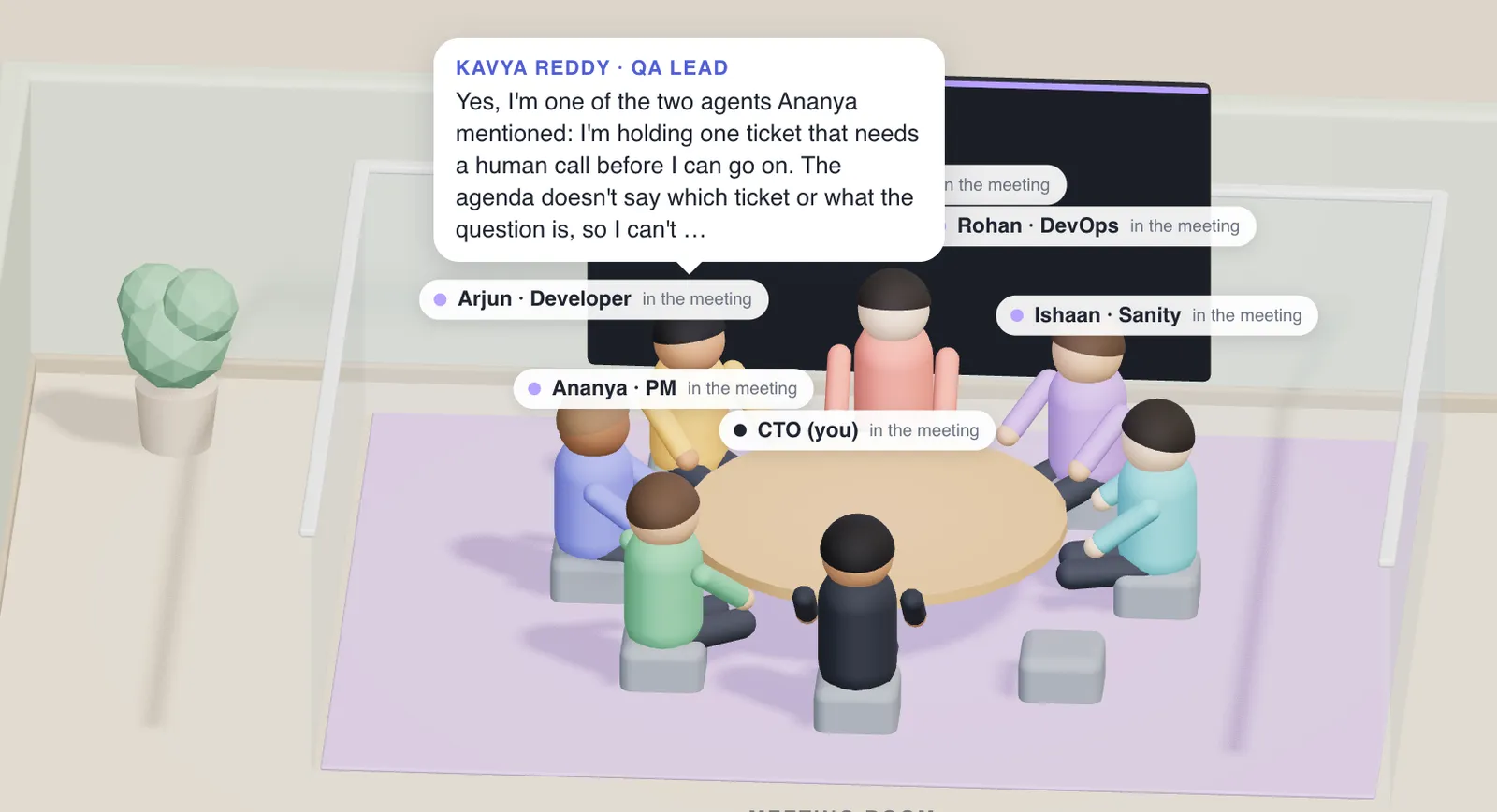
A leadership meeting: you tag a lead, and that lead answers.Real capture of the ORGrove 3D Office 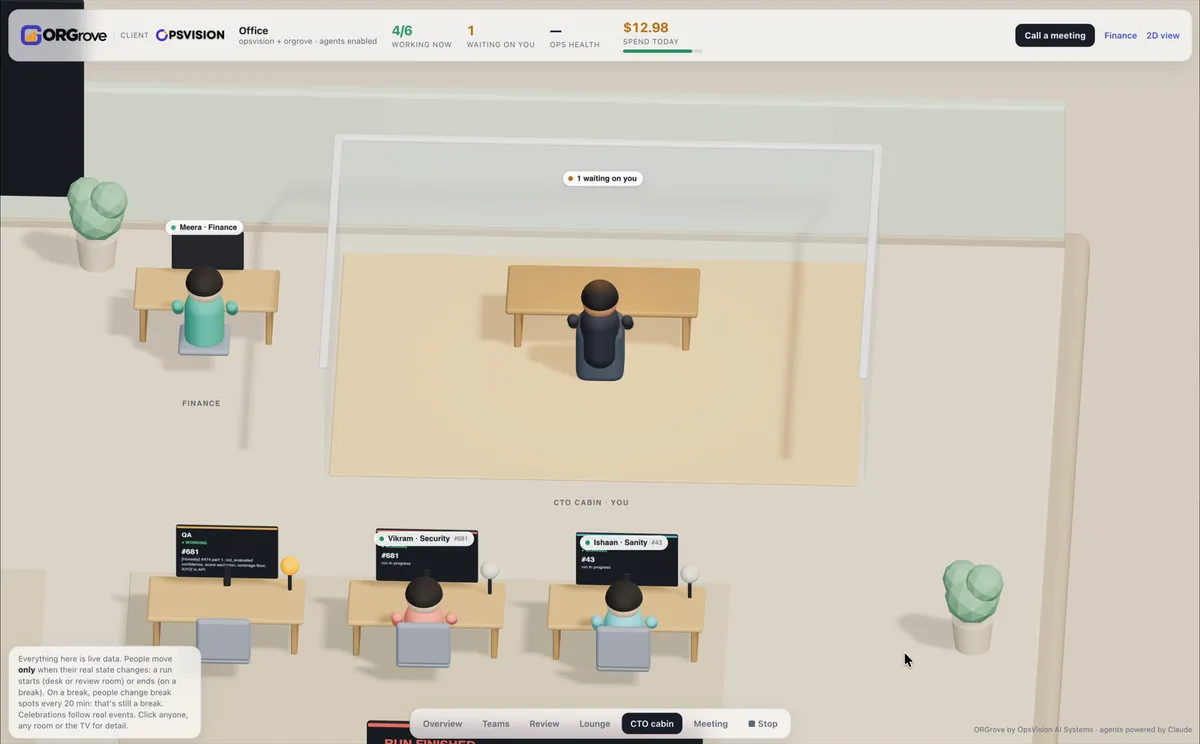
The CTO cabin: what is waiting on you, and the team's status.Real capture of the ORGrove 3D Office 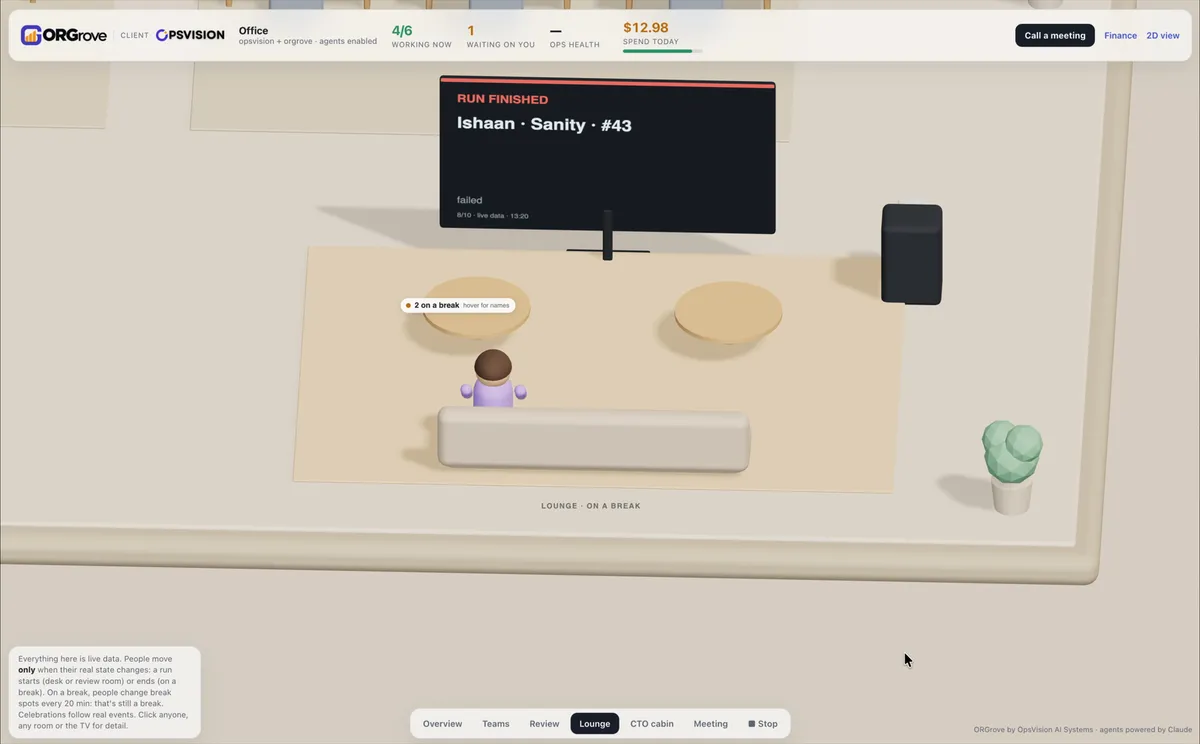
The lounge: agents between tasks take a break, and their tags say so.Real capture of the ORGrove 3D Office


Safeguards
Safeguards that cannot be configured away
Organisation-specific choices are expressed through configuration while core safeguards remain mandatory.
The human merge.
Spend caps.
Read-only reviewers.
Protected paths.
Status
What is live and what is coming
As of 28 October 2026
| Capability |
|---|
| Ticket-to-deploy pipeline with independent QA and Security review and a human merge |
| Budget ledger, per-run limits, daily and monthly caps |
| Deterministic CI gates, protected paths, OIDC cloud access, secret scanning, pinned supply chain |
| Daily ops health, escape loop, finance reports across AI, GitHub and AWS |
| Office 2D/3D, "why the team is between tasks", typed leadership meetings with voice |
| Capability | Status |
|---|---|
| One planning agent per project; automatic branch updates for agent PRs | In progress |
| Jira, GitLab, Azure DevOps, Bitbucket and Linear adapters | Planned |
| Claude through Bedrock or Vertex; Slack and Teams notifications | Planned |
| Self-hosted package with setup wizard; hosted (SaaS) edition | Planned |
| Marketing, sales and operations departments; team leads with escalation | Planned |
This is OpsVision's own report of its operating environment on GitHub and AWS. OpsVision is both the publisher and the first internal user. It is not independent assurance or certification. Source: ORGrove Enterprise product paper (How We Build: Process, Practices and Safeguards), version 1.2, section 13.
Early access
Join the waitlist
Tell us a little about your team. We use your answers only to contact you about ORGrove and design partnership.